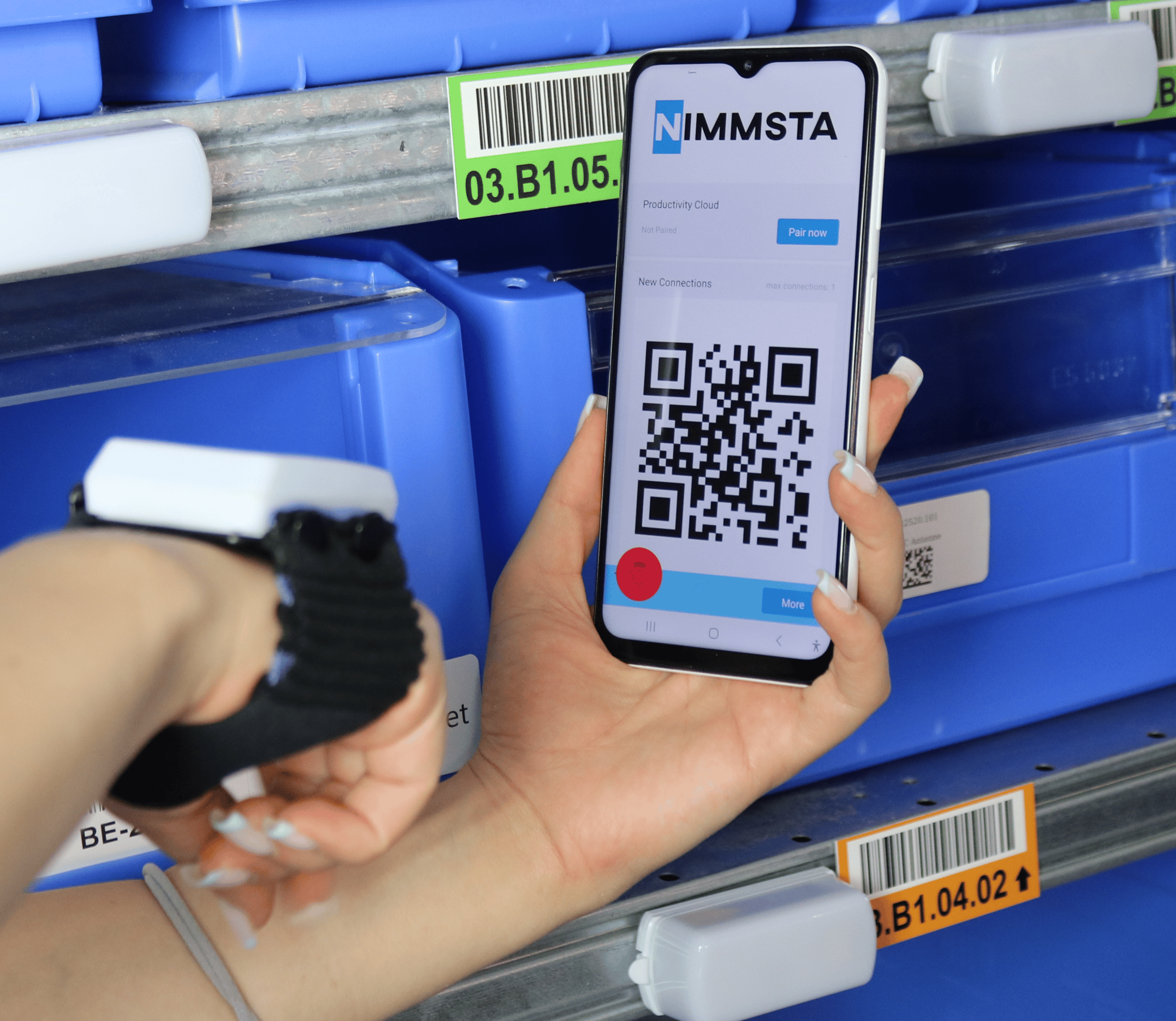
Motion Trigger and Motion Loop are the next generation of NIMMSTA. Below you will find the Motion settings, how to convert your Smart Watch, and how the Motion Loop is put on.
65 %more productivity in the process
≈ 0error rate, close to zero
0mechanical buttons in the system
Effort ↓less maintenance and replacement
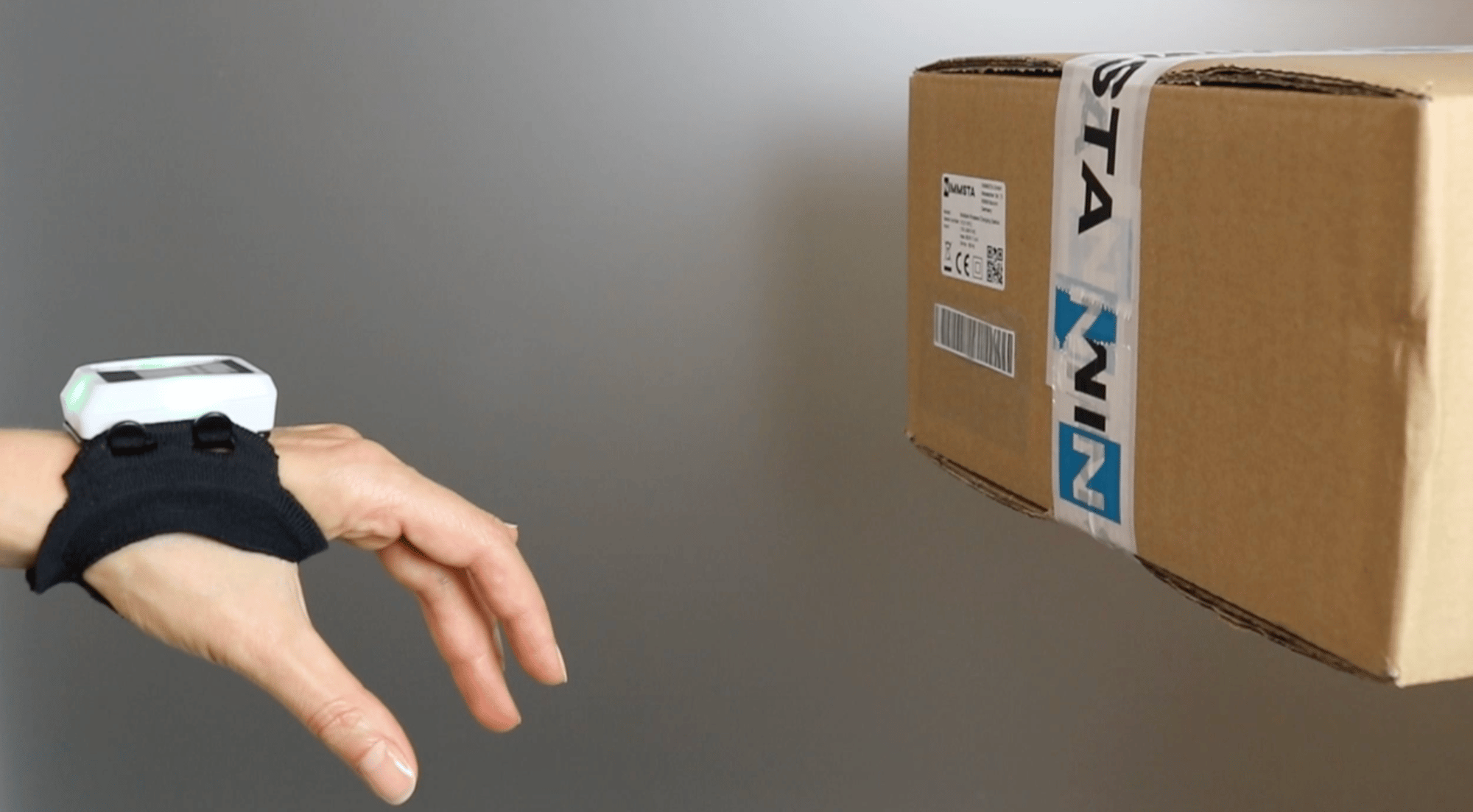
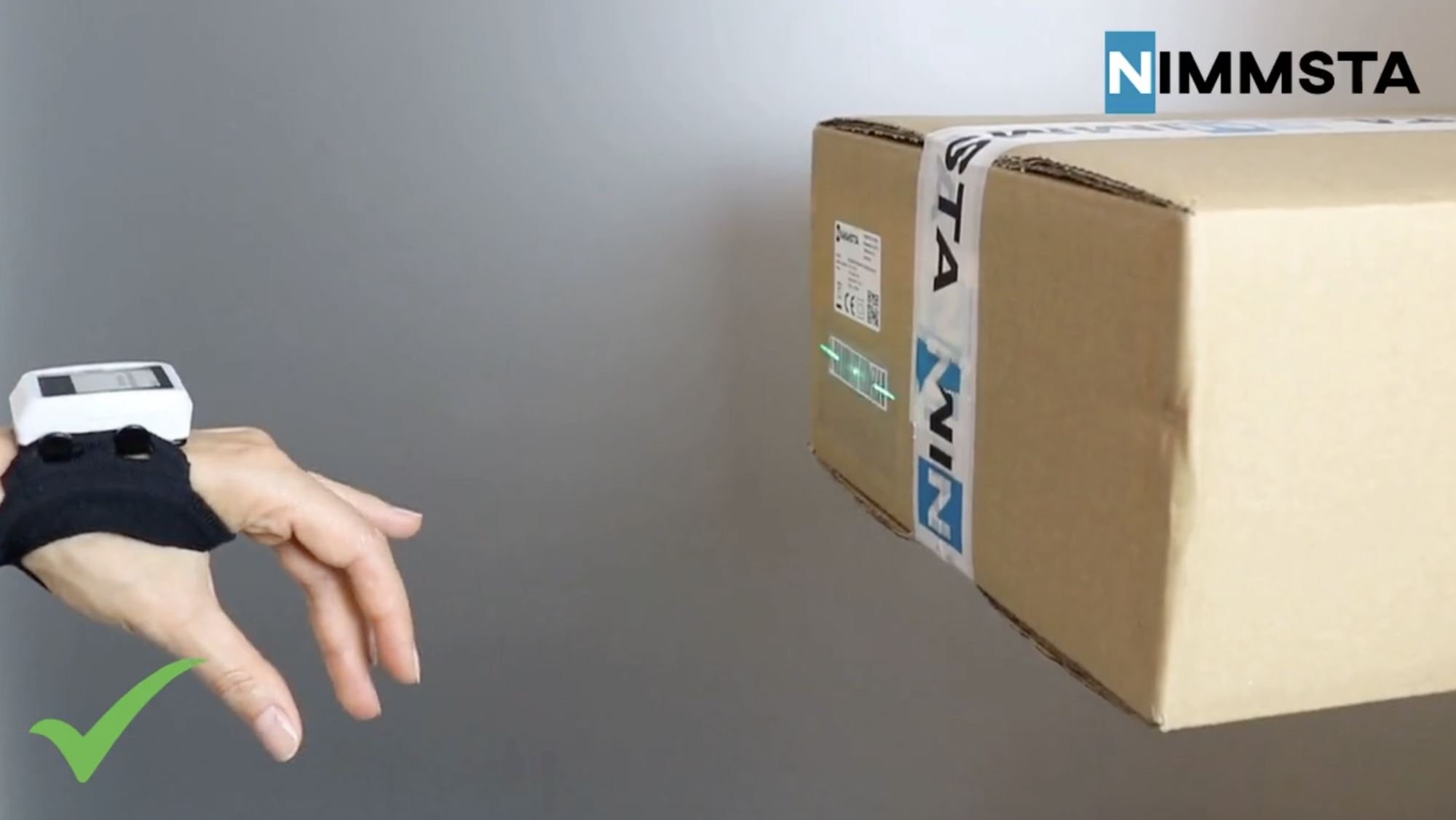
The Motion Loop holds the Smart Watch securely on the hand. The Motion Trigger turns a natural movement within the process into the scan trigger. No conventional button. No mechanical contact point.
For your process this means:
One less action per scan
Hands free for handling goods
One less mechanical wear part in daily use
01
Motion settings, and which one fits your process
The trigger sensitivity is tuned to the process, not fixed in the hardware. The same motion scanning behaves differently depending on the work in front of it.
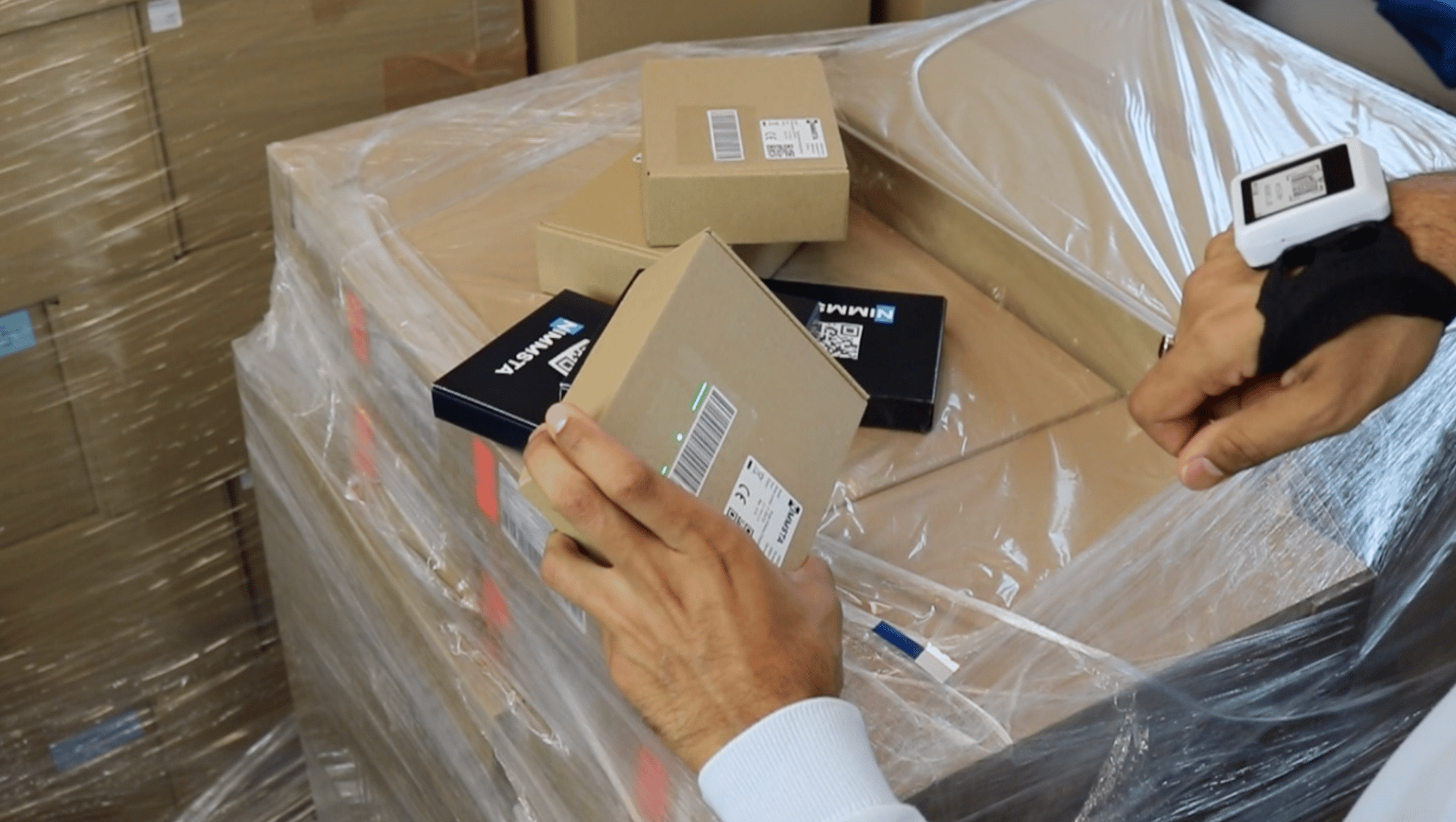
Picking. A deliberate, less sensitive trigger. The scan fires at the storage location, not while the worker walks the aisle.
Sorting. A rapid-fire trigger. Scan after scan, as fast as the parcels arrive.
Your process sets the pace, not the hardware. The setting is configured by NIMMSTA Service, so there is nothing to calibrate on the floor and no workstation rebuild when a process changes.
02
Converting your Smart Watch
The kit contains the Motion Loop, the inlay for the charging station and the tool you need. Convert one watch first, run it in your process, then roll it out across the fleet.
Mount the Smart Watch
Fit the Motion Loop mount to the Smart Watch with the enclosed screws and hex key.
Attach the Motion Loop
Slide the Smart Watch into the Motion Loop and put it on. Adjust it to personal fit and comfort. If the band is longer than the hand needs, cut it to size within the grey area marked on the band.
Mount the inlay for the charging station
Peel the backing off the inlay and press it into the charging station cradle, so the converted watch still seats correctly on charge.
The conversion is reversible at any time.
No video selected
Select a video type in the sidebar.
03
Putting on and adjusting the Motion Loop
The Motion Loop is a seamlessly knitted band with a thumb opening. It positions the Smart Watch securely on the hand and holds through movement-intensive work.
It is size-adjustable, and one part fits both the right and the left hand. No sizing to stock, no left and right variants to keep apart.
Adjust it to personal fit and comfort
Everyone works differently, so set the Motion Loop to what feels right for the person wearing it. It should sit firmly enough that the Smart Watch stays put through the shift, without constricting the hand.
If the band is longer than the hand needs, cut it to size. Cut only within the grey area marked on the band.
No video selected
Select a video type in the sidebar.
04
The full Motion overview
All the benefits and information on Motion, summarised compactly. Useful if you need to brief a colleague or take Motion into an internal discussion.
Ergonomically shapedHolds firm without constricting.
BreathableLess sweating on long shifts.
Skin-friendlyIn continuous use, shift after shift.
Size-adjustableOne part for the right and the left hand.
Swapped in secondsAnd washable.
Made in Europe
"We did not want to simply develop another button. Our goal was to make the entire process more intuitive and more reliable."
Andreas Funkenhauser, CEO and Co-Founder, NIMMSTA
Would you like to use Motion in your process?
Talk to your personal NIMMSTA sales contact. Together we will look at which Motion setting suits your process and how you can use Motion in your operation.